Debt Margin Calculator Tutorial
Debt Margin Calculator allows you to calculate the debt margin of the company by 2 methods:
- Use company debt characteristics to calculate the long term debt margin of the company.
- Use the credit rating characteristics of the company to find the long term debt margin of the company.
Step by Step tutorial:
Calculating debt margin using company debt characteristics:
The calculator uses the duration and yield of 2 risk free bonds to calculate a yield curve. Then, it uses the yield curve and a duration and yield data of a debenture of the company to calculate the debt margin for the same duration. 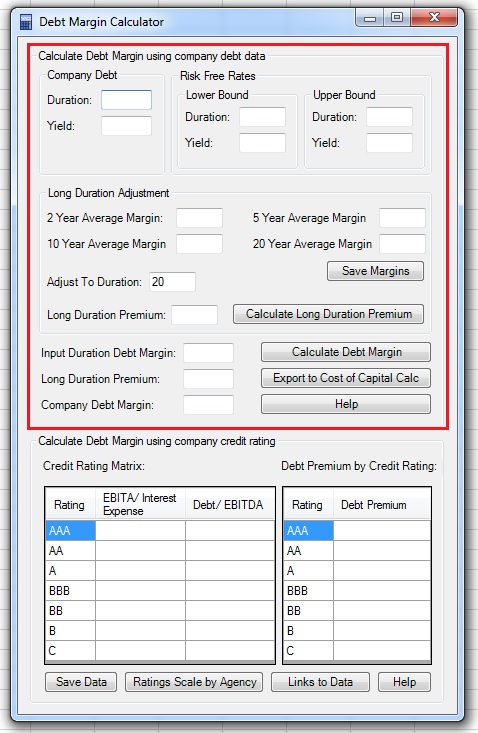
1. Input the duration and current yield of a debenture of the company: 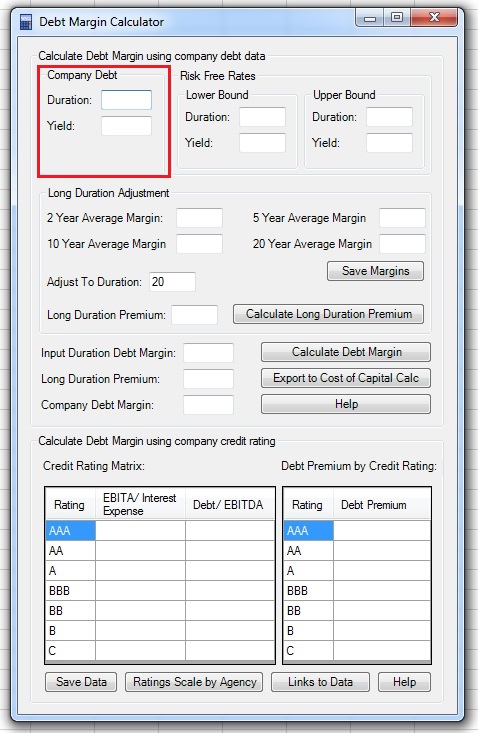
2. Input the the duration and yield of 2 risk free bonds. It is best to use two bonds which duration is close to that of the company, one a bit lower and one a bit higher compared to the input of the debenture of the company: 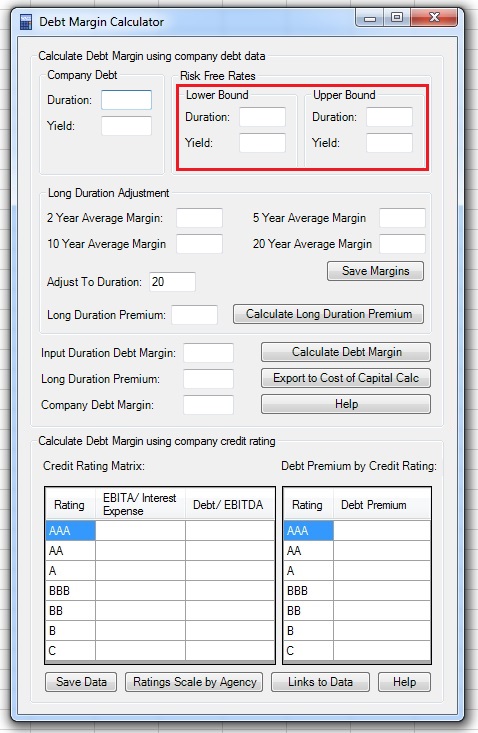
3. You can calculate the debt margin for the duration you entered in section 1 by clicking on “Calculate Debt Margin”. It is also possible to adjust the margin to the duration of the equity (mostly between 17 to 22 years)- corporate debt margins tends to increase when duration rises. In order to do this, you need to input the average debt margins of corporate debentures compared to risk free rates for a duration of 2, 5, 10 and 20 years. You can calculate this using data found on Yahoo! Finance (click here for a guide). You can save this data by clicking on the “Save Margins” button, and it will appear the next time you will activate the Debt Margin Calculator: 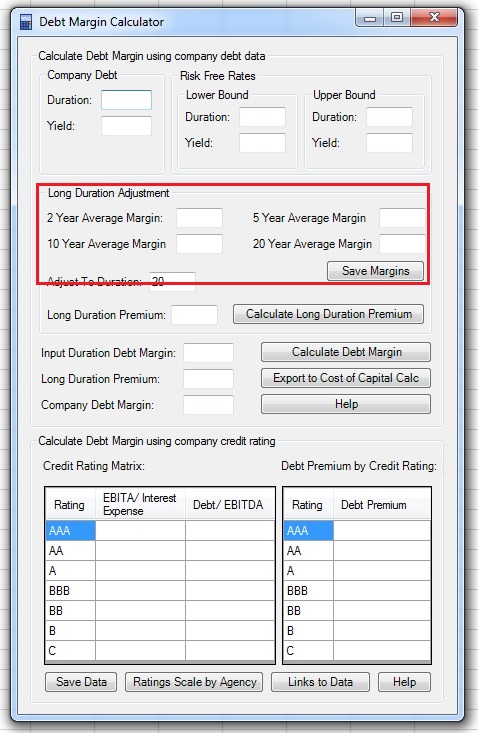
4. If you have the corporate debt margins for various durations data, choose the long term duration you want to adjust to (the default is 20 years) and click on “Calculate Long Duration Premium”. The long duration adjustment premium, based on the duration of the debenture you entered in section 1, will appear in the corresponding textbox: 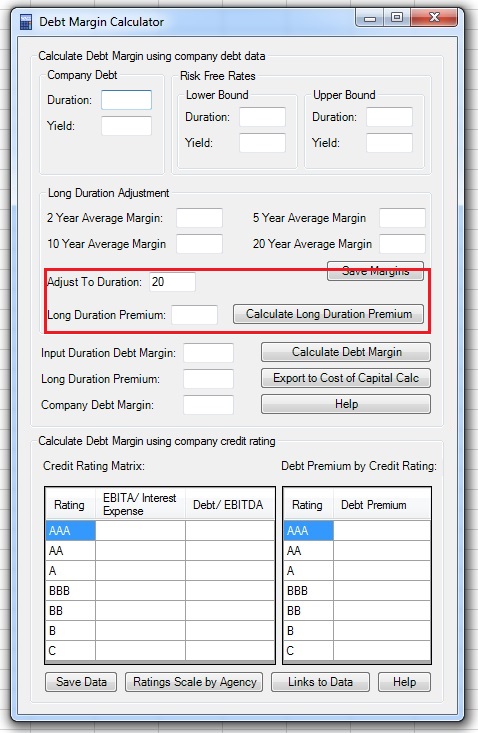
5. Click on “Calculate Debt Margin” and you will see the debt margin calculation output in the corresponding textboxes. You can click on “Export to Cost of Capital Calc”: 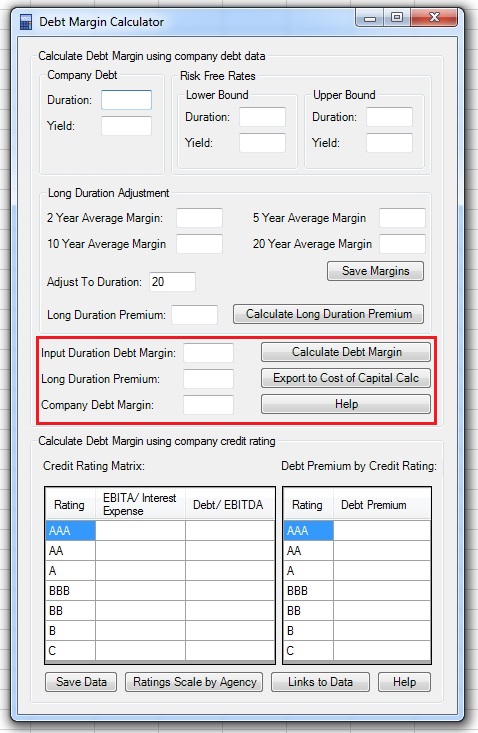
Calculating debt margin using company debt characteristics:
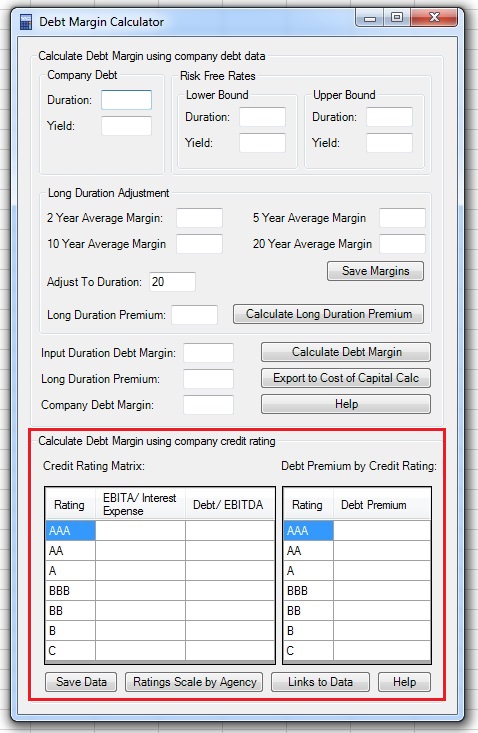
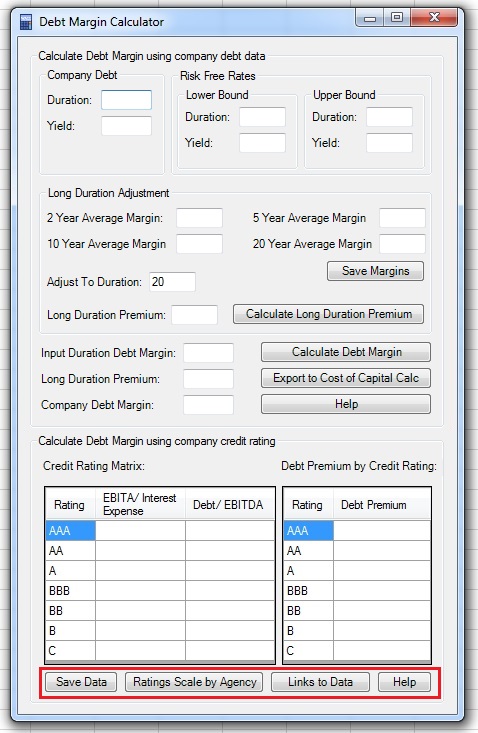
If you don’t have the characteristics of a debenture of the company, you can use other characteristics of the company to calculate its debt margin. If you know the credit rating of the company, you can find the average debt margin of companies with the same rating. If the company does not have a credit rating, you can use the EBITA to Interest Expense and Debt to EBITDA ratios to find the potential credit rating of the company. Debt Margin Calculator includes two data tables for those calculations: the Credit Rating Matrix and the Debt Premium by Credit Rating: 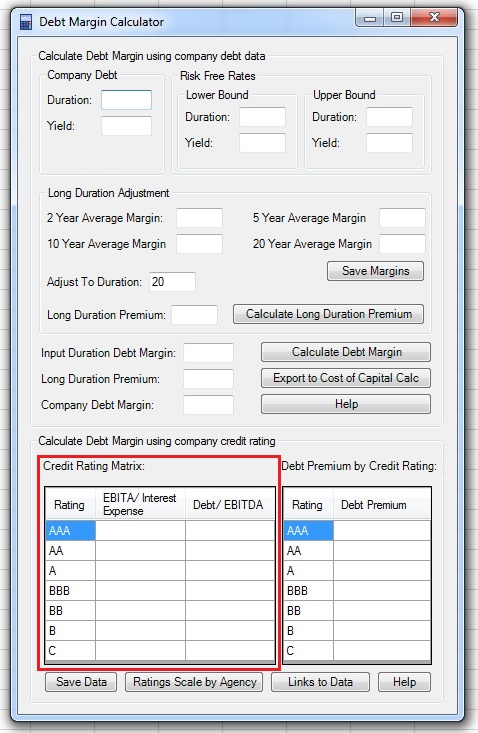
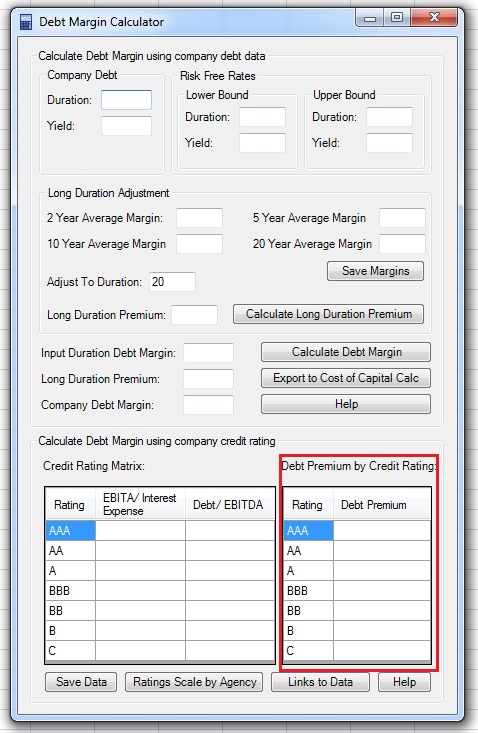
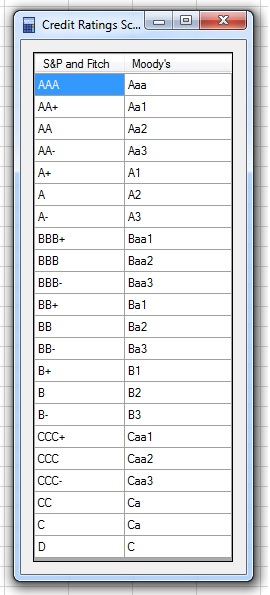
You can find the data to populate those tables if you click on the “Links to Data” button. Once you populate the tables, click on “Save Data” and it will appear the next time you activate the Debt margin Calculator. You can also click on “Rating Scale by Agency” for a list of credit ratings of the major 3 credit rating agencies: